 I
ITHE ORIGINAL AGE 1998
An Corp
Britannia before The Second Age. A return to the origins of a world that let you choose your own way.
Pre-T2A
 Begin your journey
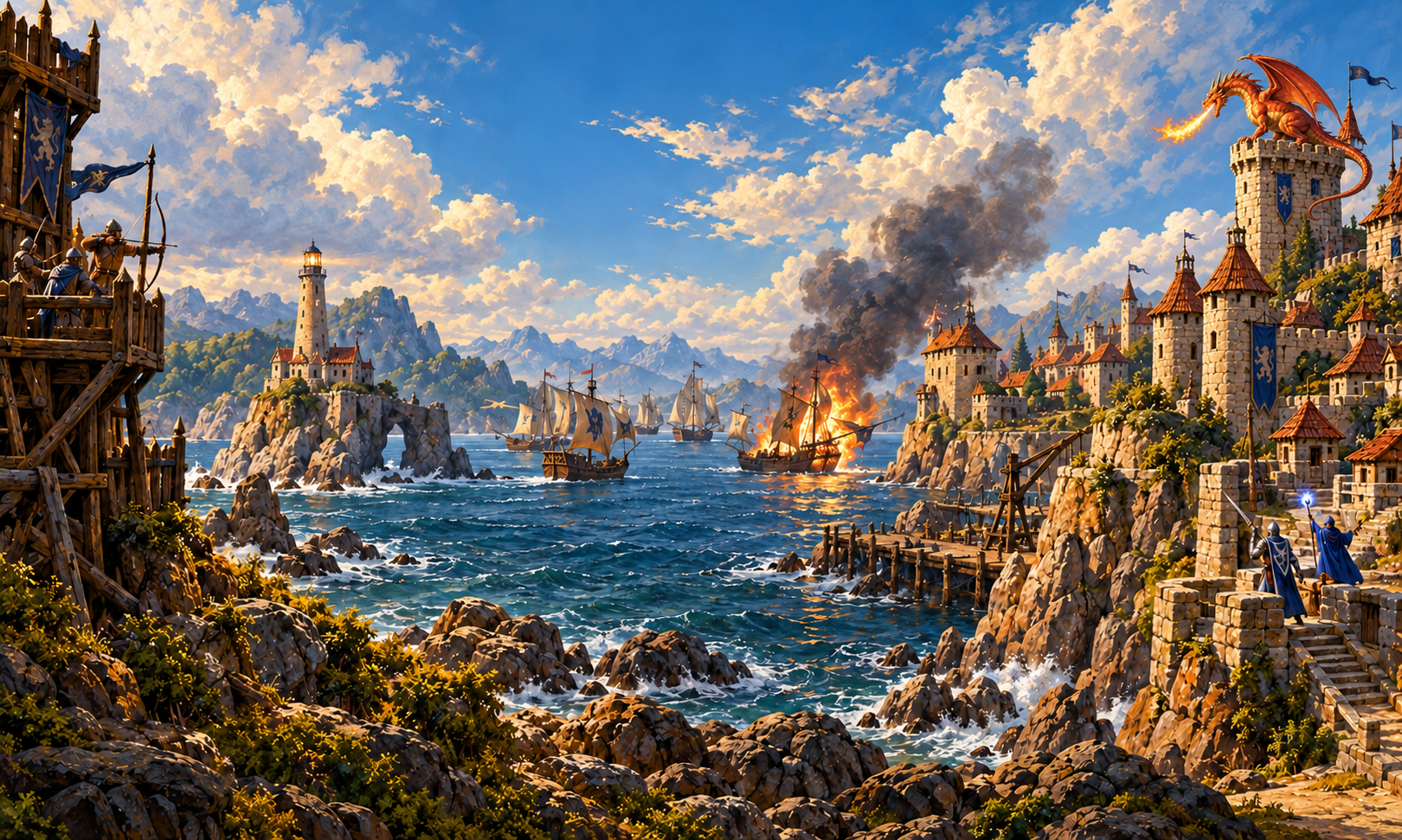
A return to Britannia
The first steps beyond the city gates.
The friends, the danger, the freedom.
Find your way back to Sosaria.
Windows launcher · Version 1.1.5
Choose your chapter
From the earliest days of Britannia to a more unforgiving Renaissance. Each shard follows its own path. Which one will be yours?
ITHE ORIGINAL AGE 1998
Britannia before The Second Age. A return to the origins of a world that let you choose your own way.
 II
IIRENAISSANCE 2000
Classic Ultima Online in its Renaissance era. Explore Britannia, master a craft, and make your mark.
IIIRENAISSANCE SIEGE
A Siege Perilous-inspired Renaissance shard. For those drawn to a harsher journey through the world.
These worlds are under active development. See realm details for client compatibility and availability.
The spirit of Sosaria
Take the long road. Learn a craft. Lose yourself beyond the safety of town. Sosaria Online brings together distinct eras of Ultima Online, with room for the stories that only players can tell.
Make your first stepsYour first steps
One launcher brings the supported clients together. Choose an era, prepare your client, and meet us in Britannia.
Download the portable Windows launcher and extract it to a folder of your choice.
Download detailsSelect The Original Age or Renaissance. Let the launcher download and verify the matching client files.
Launch the game. First time here? Sign in with a new username and password to create your account, then choose your shard.
From the journal
Your next chapter starts here
The Sosaria Online launcher brings your worlds together.
Download for WindowsRequires the .NET 8 Desktop Runtime.
Choose An Corp for the pre-T2A Original Age, Des Sanct for classic Renaissance, or In Nox for a Siege-inspired Renaissance experience. All three are under active development.
The launcher manages separate era profiles and verifies their client files. An Corp uses The Original Age profile; Des Sanct and In Nox use Renaissance.
The launcher includes compatible UOAssist choices for its era profiles. The Original Age offers 1.9.1 and its compatibility-adjusted 1.17.1 option; Renaissance uses its own 1.17.1 build.
Create your account in the game client: sign in with an available username and your chosen password. Account creation is limited to one account per IP address. Already registered? Use your existing credentials.
Open Realm status to see the latest game-port checks. Updates require the host status publisher; readings older than three minutes are marked stale. The in-game shard list remains the place to select a world.